
Hide your private infoprivate info before you share.
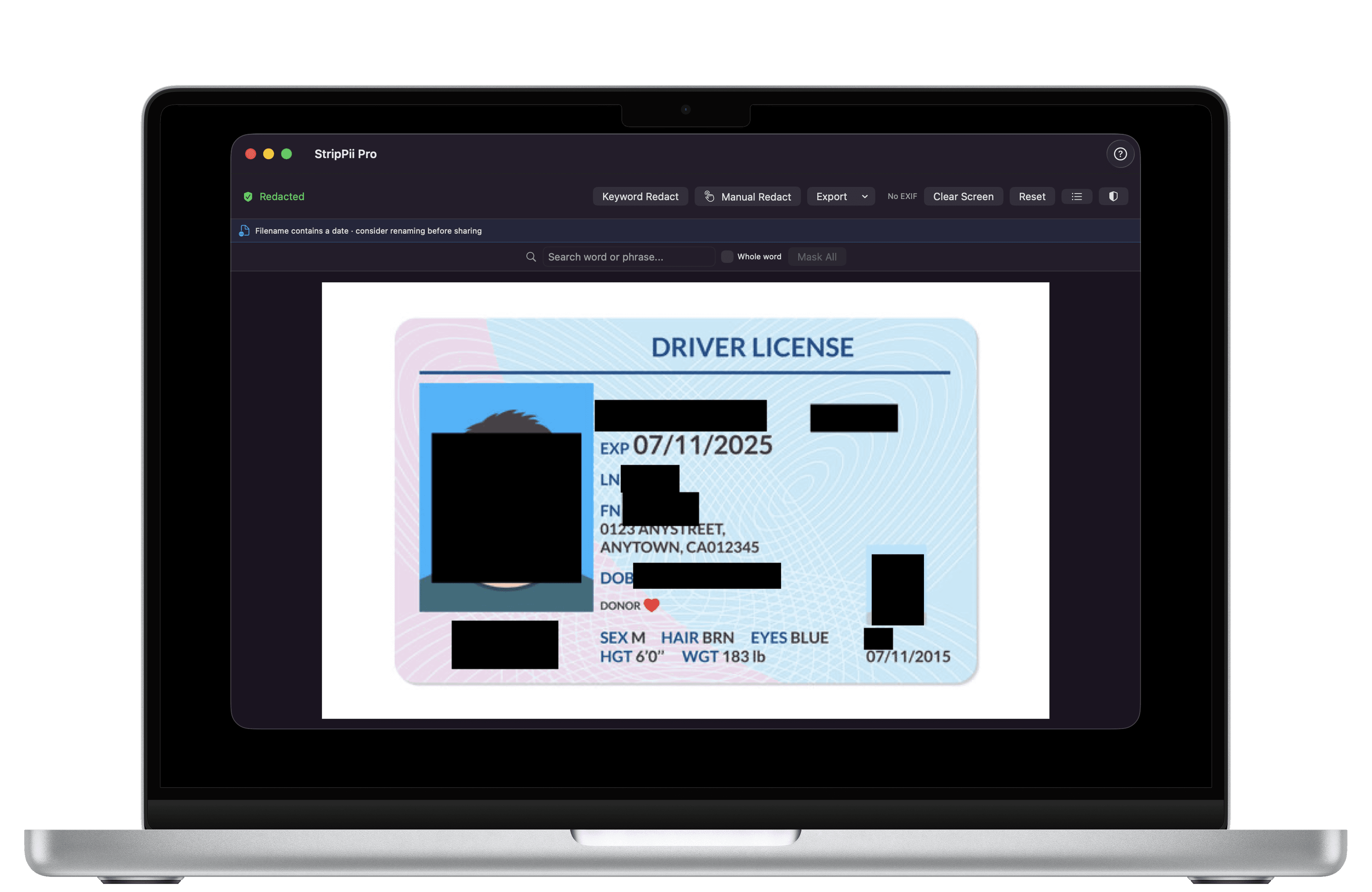
StripPii blacks out names, ID numbers, addresses, faces, and hidden photo locations in your documents and photos. It all happens on your device — nothing is ever uploaded.
It finds and hides
Try it
What's hiding in your photos
Every photo you take quietly stores extra details about you. Here's what a typical phone photo gives away — and what StripPii removes.
← Tap any row on the left to see what it reveals about you.
What this photo gives away
This is just a demo. StripPii works on your real files, right on your device.
Automatic
Spots personal info for you.
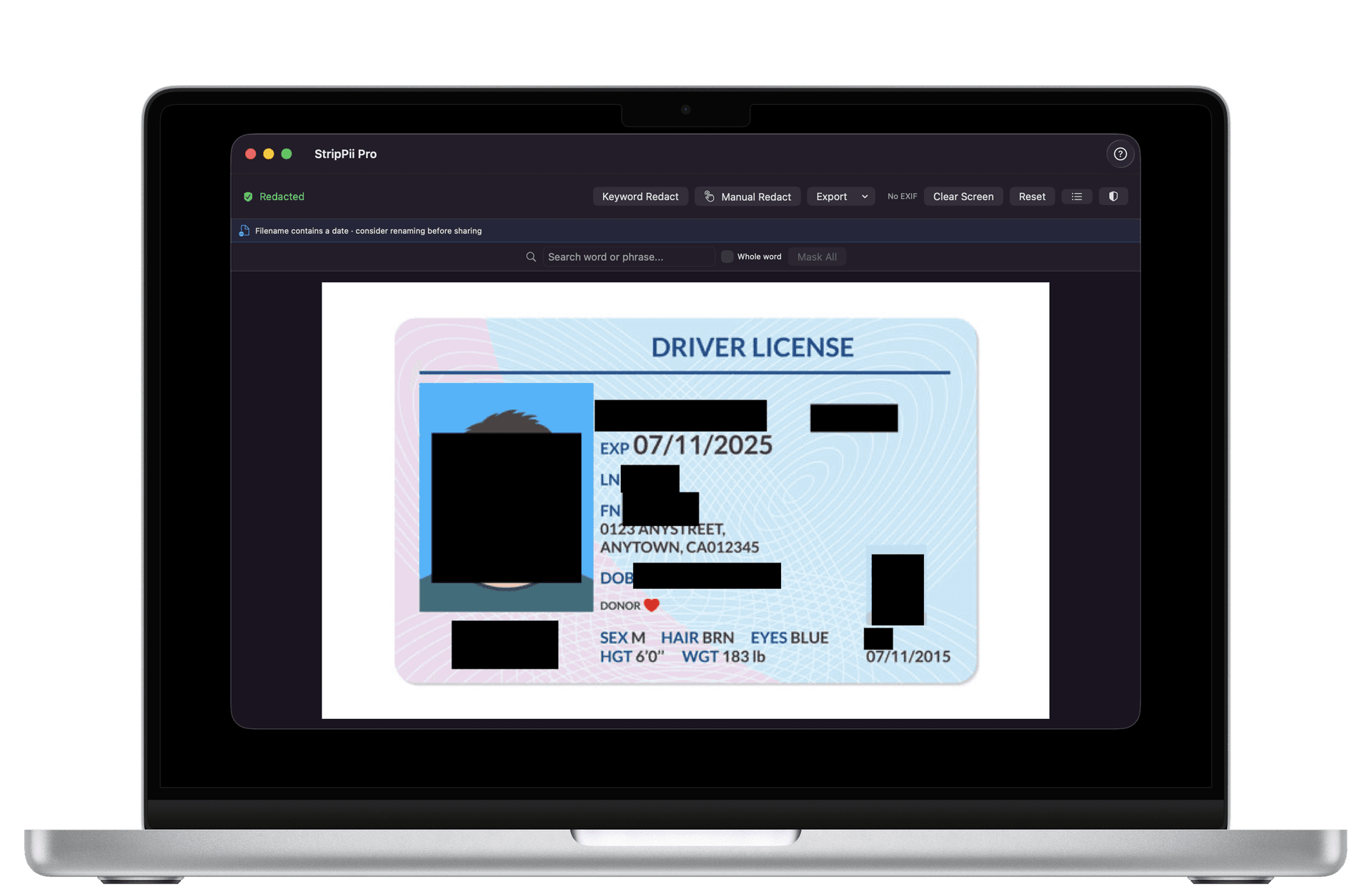
Drop in a file and StripPii instantly finds the private bits — names, ID numbers, phone numbers, addresses, card numbers and more — and blacks them out. No hunting through pages yourself.
Works everywhere
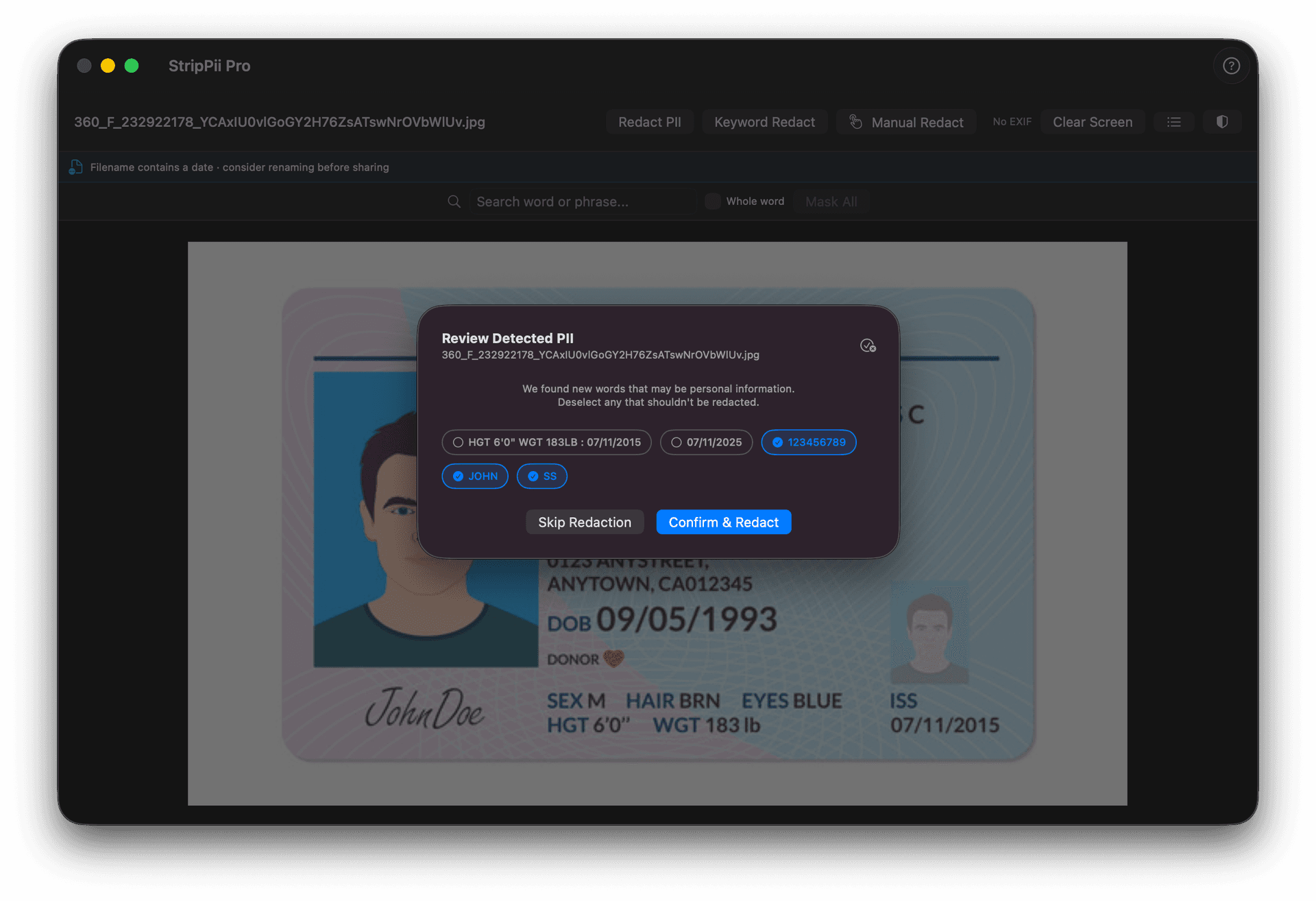
Built for documents from anywhere.
Whether it's an ID, a bank statement or paperwork from anywhere in the world, StripPii recognises the personal details that matter. You can also tell it your own words or phrases to always hide.
Photos
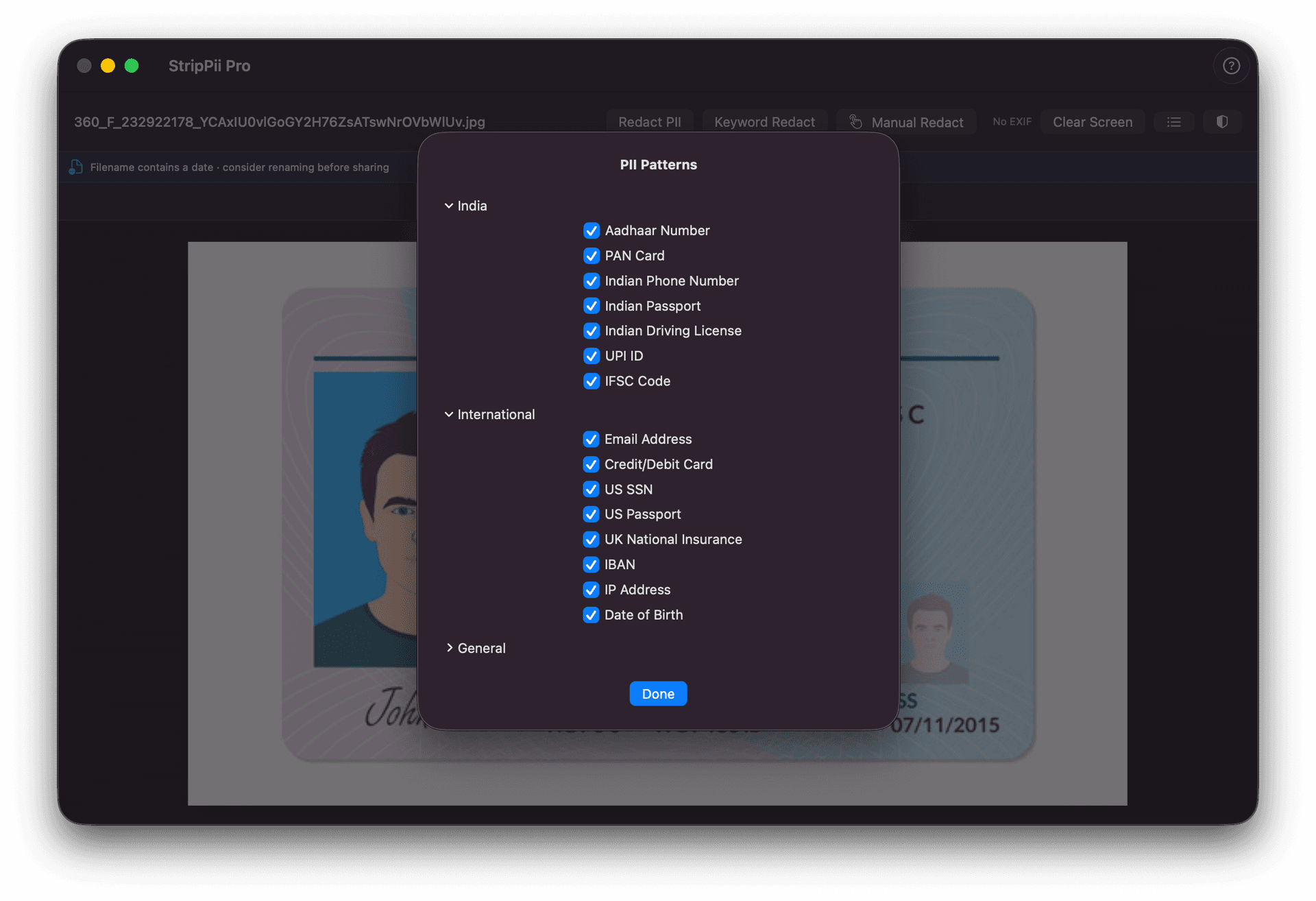
Clean the secrets out of your photos.
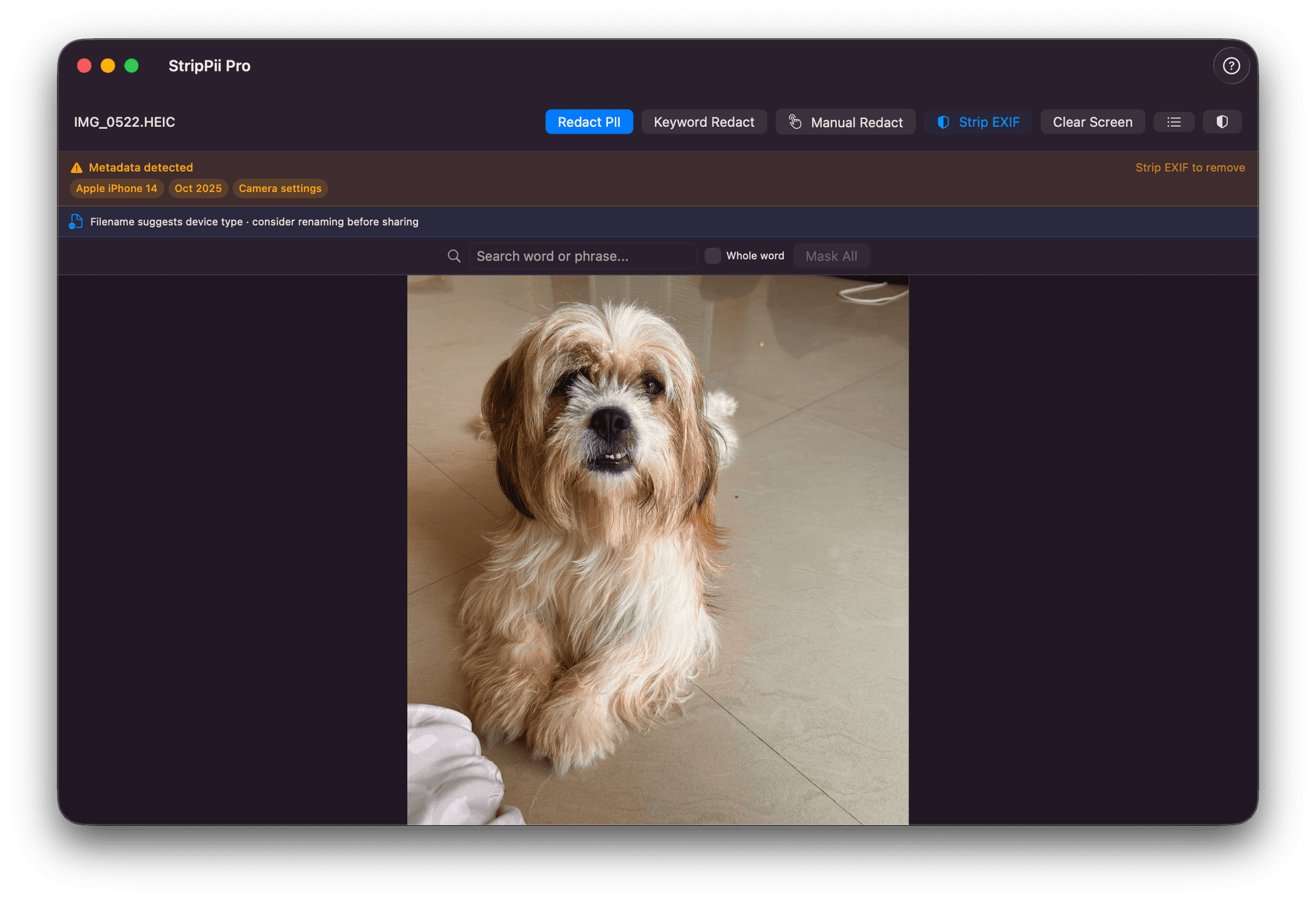
Photos quietly remember where you took them, what device you used, and when. Before you post or send, StripPii strips all of that out — and can even black out faces.
Word files
Word files hold secrets too.
A Word document remembers who edited it, every change that was made, and any comments left behind. StripPii clears all of that away so you only share what you meant to.
Many at once
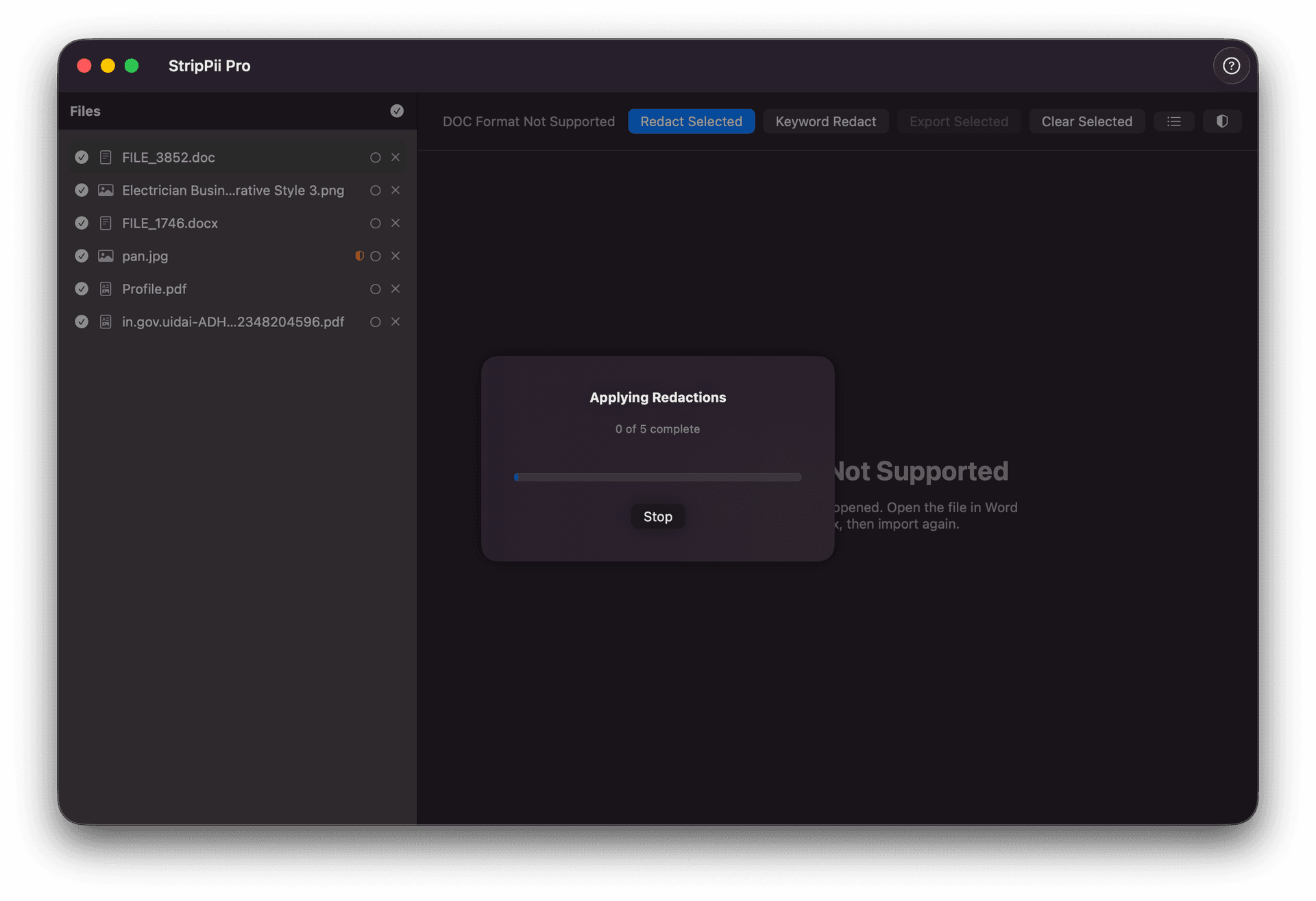
A whole folder in one go.
Got a stack of files? StripPii can clean them all together, show you everything it found in one place, and save safe-to-share copies in a single step.
How it works
Four simple steps
Add your file
Drop in a PDF, photo, Word file or text file — or snap a paper document with your camera.
It finds the private bits
StripPii scans the file and highlights the personal details it found — names, ID numbers, addresses and more.
You have the final say
Glance over what it found. Keep it, skip it, or black out anything extra yourself. You stay in control.
Save a safe-to-share copy
Export a clean version with the private parts permanently blacked out. Your original file is never touched.
Thorough
It catches what
you'd miss.
Most tools do one simple check. StripPii looks for private information in several different ways at once — and keeps false alarms low, even on busy forms.
Reads the labels
When it sees "Name:", "Date of birth:" or "Account number:", it knows the details right after them are personal — and hides them.
Knows ID formats
It recognises the shape of ID cards, passports, bank and card numbers from around the world — even without a label.
Finds names in sentences
People and places written in the middle of a paragraph get caught too, not just the obvious fields.
Blacks out faces
Faces in photos and scanned pages are detected and covered, so people can stay anonymous.
Remembers your choices
Tell it a name or word is private once, and it hides that same thing automatically next time.
AI detection, free for everyoneFree
Names and addresses have no fixed shape to match, so AI finds them — in many languages, and on every supported device. It runs on your device, and it is free. Detection is the same whether you pay or not.
Why you can trust it
Private, by design.
Nothing leaves your device
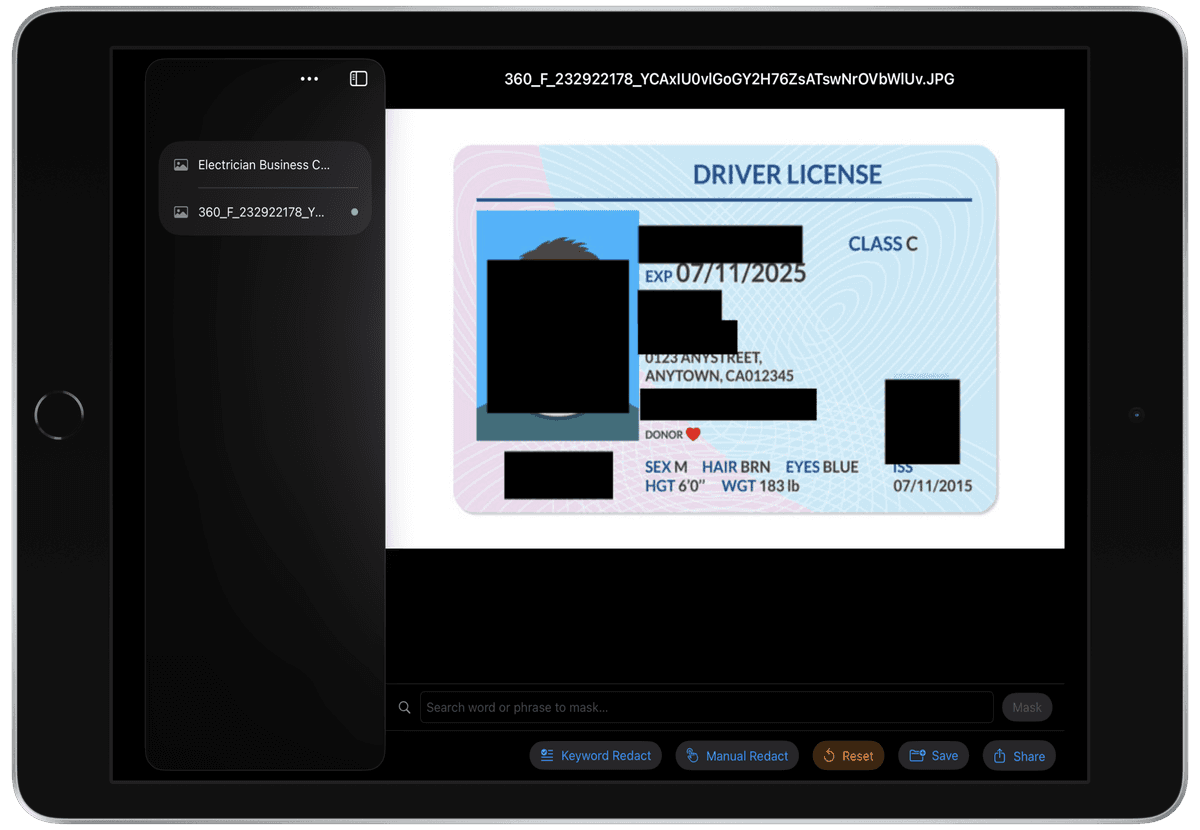
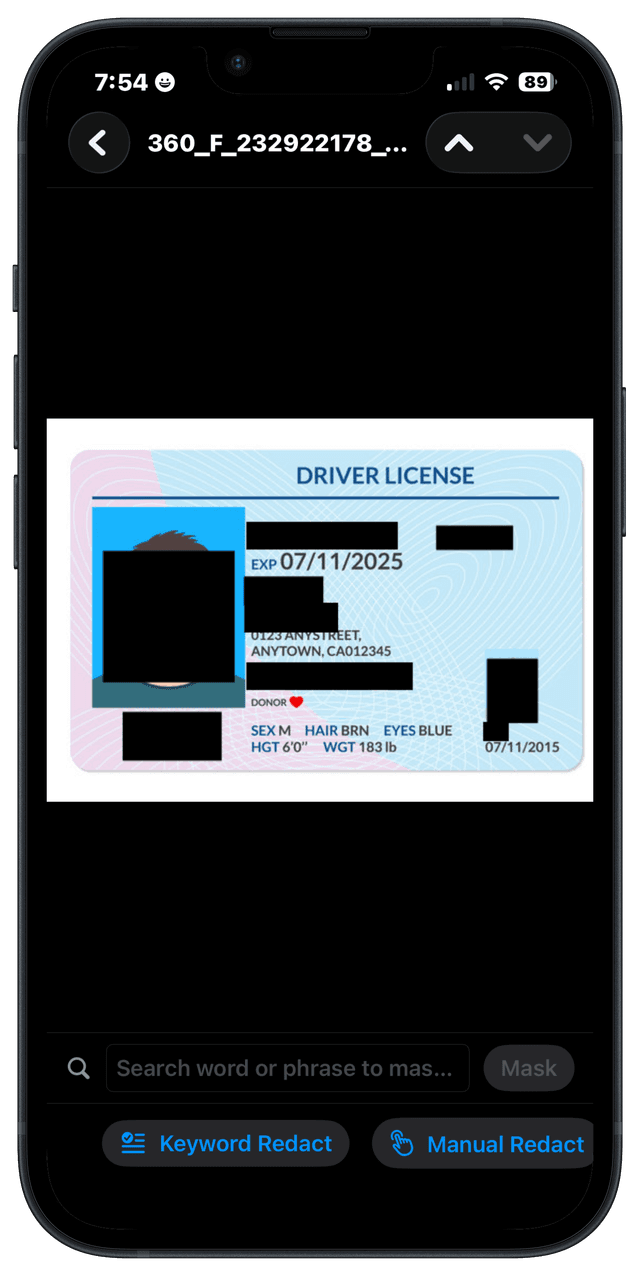
Your files are never uploaded anywhere. Everything happens right on your Mac, iPad or iPhone.
Works without internet
No connection needed. Turn on airplane mode and it still works perfectly.
No account, no sign-up
Just download and start. We never ask for your email, name or anything else.
No tracking, no ads
No usage tracking, no advertising, no hidden data collection. We honestly have no idea what you redact.
Pricing
Simple, honest pricing
Pay once. No subscription, ever.
Free
Genuinely useful. No strings attached.
- Finds every kind of personal info — exactly what Pro finds
- On-device AI detection, and faces blacked out automatically
- Works on PDFs, photos and text files
- Opens password-protected PDFs
- Black out anything else by hand
- See what your photos are hiding
- Save a copy to share — with a watermark
Pro
One-time$14.99
One purchase. Mac, iPad & iPhone, forever.
- Everything in Free — the same detection, not more
- No “made with StripPii” mark on your files
- Clean lots of files — or whole folders — at once
- Word documents, and every file type
- Remove hidden location and device data from photos
- Clear hidden edit history out of Word files
- Password-protected PDFs stay protected when you save
- Search for any word or phrase and hide it
- Your own keywords and rules
- Blur and frosted glass instead of black bars
- Scan paper documents with your camera
Privacy by design
We can't see your files.
And neither can anyone else.
StripPii was built on one simple promise: your private documents should stay private. Everything you do stays on your own device — there are no servers to hack, because nothing is ever sent anywhere.
File types
More than just the words
Every kind of file hides different secrets. StripPii knows exactly where to look in each one.
PDFs
- Names, IDs, phone numbers, emails
- Faces on scanned pages
- Who made the file and with what
- Black bars or a soft blur
Photos
PNG · JPG · HEIC · TIFF
- Any personal text in the image
- Faces of people
- Where the photo was taken
- The device and time it was taken
Word documents
DOCX
- Personal details throughout the text
- Comments and review notes
- Every tracked change
- Who edited it and how often
Text files
TXT
- Names, IDs, phone numbers, emails
- Addresses and dates
- ID and account numbers
- Any words you choose
FAQ
Common questions
All your devices
Mac. iPad. iPhone.
One purchase covers them all.
Start sharing safely.
Free to download. Unlock everything with a single one-time purchase.